
Home/Industries/Manufacturing

Manufacturing · AI SOLUTIONS

AI automation for manufacturing.

Sales and production see the same order.

We connect order requests, material checks and progress updates. Your team reviews shortages and confirms production commitments.

We start with how your people work.

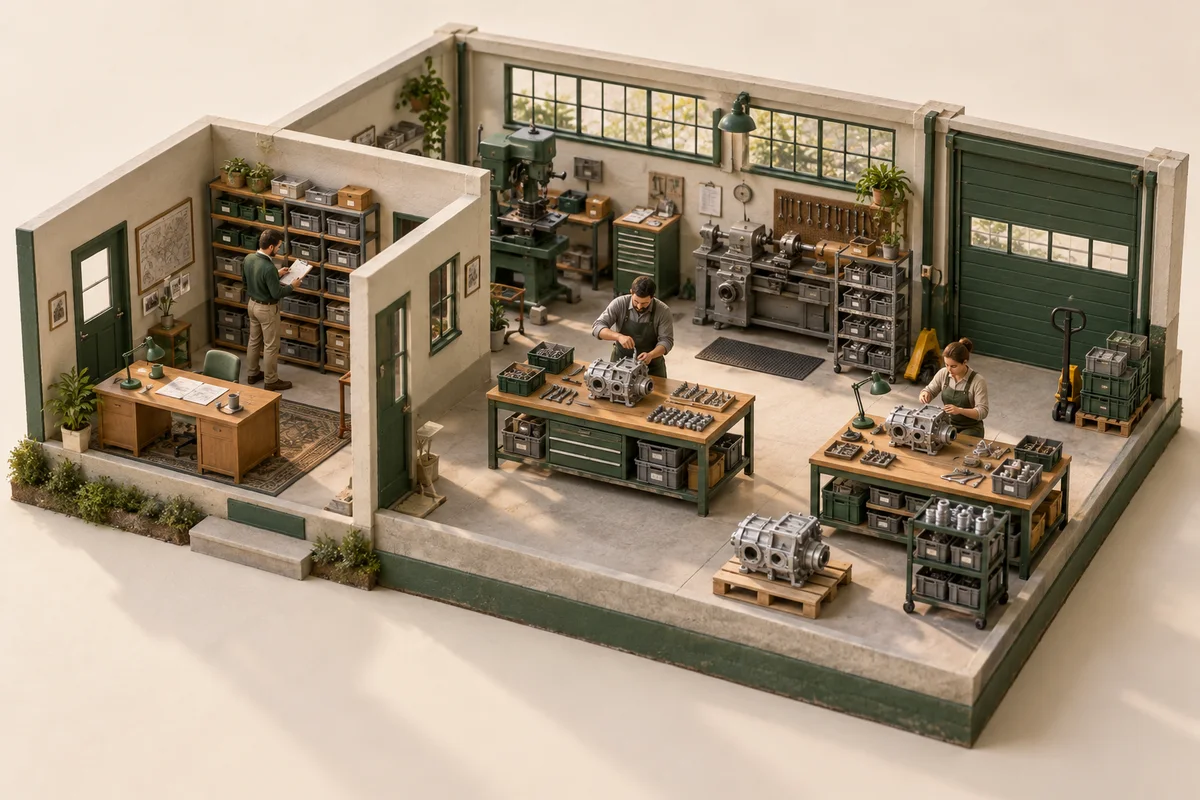
AI-generated illustration of a production workshop and planning team

Sales and the workshop share the same order information.

Concept illustration · generated with AI
BUILT FORManufacturersproduction plannersprocurement teams and sales departments.

CHOOSE WHAT TAKES UP YOUR TIME

What can you automate in manufacturing?

Choose a problem below to see what can happen automatically, what needs checking and who receives the alert. We adapt each workflow to your manufacturing team's apps and rules.

Choose what to automate

Choose an example, or watch the steps change automatically.

SOUND FAMILIAR?

“Can you enter the email order too?”

Sales receives a product list. Planning needs the correct product codes and quantities in the ERP.

HOW IT WORKS Click a step to see what it does
See what runs automatically and where a colleague helps.
ReadyNeeds reviewNotify the colleague ↗
WHO DOES ITCustomer / teamStep 1 of 6
WHAT HAPPENS

Sales receives a product list. Planning needs the correct product codes and quantities in the ERP.

WHAT YOU GET

The customer request, product catalogue and authorised ERP access.

WHAT HAPPENED

Product code unclear

The workflow alerts the right colleague. They decide what happens next.

Fictional example · WhatsApp Business, if we choose this channel
Colleague's phone · waiting
—:—Sales coordinator

No notifications yet.

The message appears automatically at the WhatsApp step.
SIMULATION · NO REAL MESSAGES

Orders in your ERP

A prepared order with product codes, quantities and unclear lines highlighted.

What we connect and what a colleague checks
Where the information comes from
The customer request, product catalogue and authorised ERP access.
Automation steps

Collect the information. The customer request, product catalogue and authorised ERP access.

Orders in your ERP. Match products to catalogue codes and prepare order fields for review.

Your team checks. A colleague checks ambiguous products, prices and delivery commitments.

What the team receives
A prepared order with product codes, quantities and unclear lines highlighted.
What a colleague checks
A colleague checks ambiguous products, prices and delivery commitments.
Let's discuss orders in your erp

SEE A WORKFLOW IN ACTION

“Can you enter the email order too?”

Sales receives a product list. Planning needs the correct product codes and quantities in the ERP.

01Request02Prepare03Check04Notify
How would this work for us? ↗Demonstration with fictional data. Implementation is adapted to your apps and rules.
ONE REQUEST. A CLEAR NEXT STEP.
Manufacturing
https://demo.mr-automation.pro/flux/DEMO-104
MR Automation · ManufacturingDEMO-104
ILLUSTRATIVE REQUEST

“Can you enter the email order too?”

SourceAuthorised email
StatusReceived
Sales receives a product list. Planning needs the correct product codes and quantities in the ERP.
The request enters the workflow.

The customer request, product catalogue and authorised ERP access.

Simulation · fictional data

CLEAR ROLES BEFORE IMPLEMENTATION

Less routine work.
People stay in control.

We agree on what can happen automatically, what needs checking and who owns each exception.

Discuss your process with us ↗
AUTOMATION HANDLES

Collect information from authorised sources

Prepare data and check agreed rules

Send exceptions to the responsible colleague

YOUR TEAM HANDLES

Unclear information and exceptions

Important business decisions

Approval before the final action

HOW WE START

The first pilot has
a clear scope.

Start with one recurring process and a controlled set of examples. Measure preparation time, corrections and exceptions before expanding.

  1. 01 / UNDERSTAND

    Walk through the current process.

    We review an example, your apps and the manual steps. Together, we decide what to automate.

  2. 02 / TEST

    Build a workflow with a clear scope.

    We use a controlled data set, including incomplete, duplicate and ambiguous cases.

  3. 03 / COMPARE

    Measure before expanding.

    We compare time, corrections and manual work. Your team decides whether the pilot helps.

Automation connected to your apps.n8n · APIs · AI models · rule-based checks

Email, shared folders, spreadsheets and your business software. We check access, available APIs and import/export formats before promising a connection.

QUESTIONS · Manufacturing

Before
the first workflow.

Does manufacturing automation control machines?

The examples on this page cover office workflows: orders, materials, status updates and reports. They do not control machinery or replace industrial safety systems.

How are material shortages communicated to production planning?

The workflow compares required materials with available stock after reservations, then alerts the planner about the difference. The planner checks supply and capacity before committing to a delivery date.

Can you work with our existing software?

We check the version, available APIs and import/export options first. We confirm compatibility using examples before proposing the integration.

Does AI make the final decision?

We agree on approval points with your team. Unclear information and important decisions go to a person.

What happens when information is missing?

The workflow preserves the source, marks the missing detail and alerts the responsible colleague. It does not invent values.

How much does a pilot cost?

The price depends on the apps, data access, volume and checks. We agree on scope and costs after reviewing your process.

TELL US WHERE WORK REPEATS

From this example
to your process.

Briefly describe how you work. We'll discuss what can be automated and what the first pilot would involve.

Discuss your team's workflow ↗Scope and cost are agreed after reviewing the process.
WHAT HELPS US UNDERSTAND
  1. Which apps you use today
  2. One anonymised example of the process
  3. Where you copy data or wait for an answer